
Author: Heidi Pohlman
Unearth hidden evidence with the power of the Windows Registry
Why isn’t my computer working correctly? If you have a Windows OS, the answer might be in the Windows registry. If you don’t, you’re probably using a Mac OS, which doesn’t have this powerful system directory.
What is the Windows Registry, and what does it do?
The Windows registry is a directory that contains settings for Windows and programs. It is an application on the computer that monitors the computer system’s performance and identifies system errors. The Windows registry is essential because, without it, the computer wouldn’t function correctly and could cause serious damage as well.


Technological Advances?

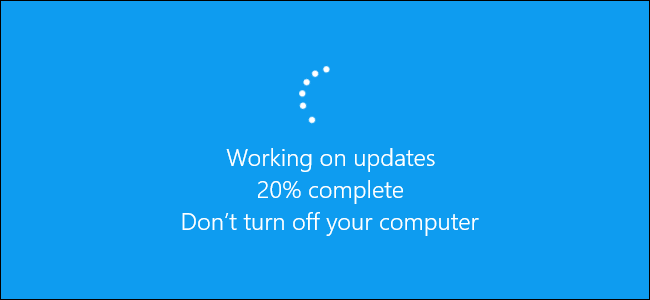
The Windows registry is updated routinely, and when the computer is updated, it is part of the Windows updates. Usually, new registry keys are added or altered to support new attributes or security settings.
How can the Windows registry be beneficial to a digital forensics investigator?
The registry has information about who, what, where, and when something happened on a system that can connect directly back to the criminal.
Some data that can be located in the registry:
- Users & time
- Recently used programs
- Devices mounted on the computer
- When connected to wireless access points
- What/when files were opened
- List of searches on the computer


How to access the Windows Registry?
To access the registry, there are two main ways: one way is by using the search bar at the bottom of your taskbar. Depending on the version of Windows you have, it is either in the middle for Windows 11. For Windows 10 or older, it will be on the bottom left, where the search icon is. From there, it’s the same for all versions, search the registry editor, and it will pop up.


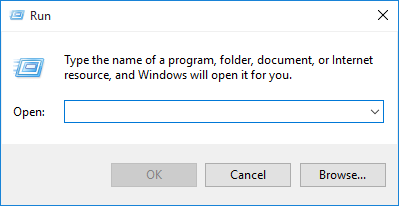
The other method is a bit more technical, but it does not matter what version of Windows you are using. On your keyboard, press the Windows key and R, which will open the “Run” dialog. Next, type “regedit” and press Enter, which will automatically open the Windows registry.
Timeline of the Windows Registry?
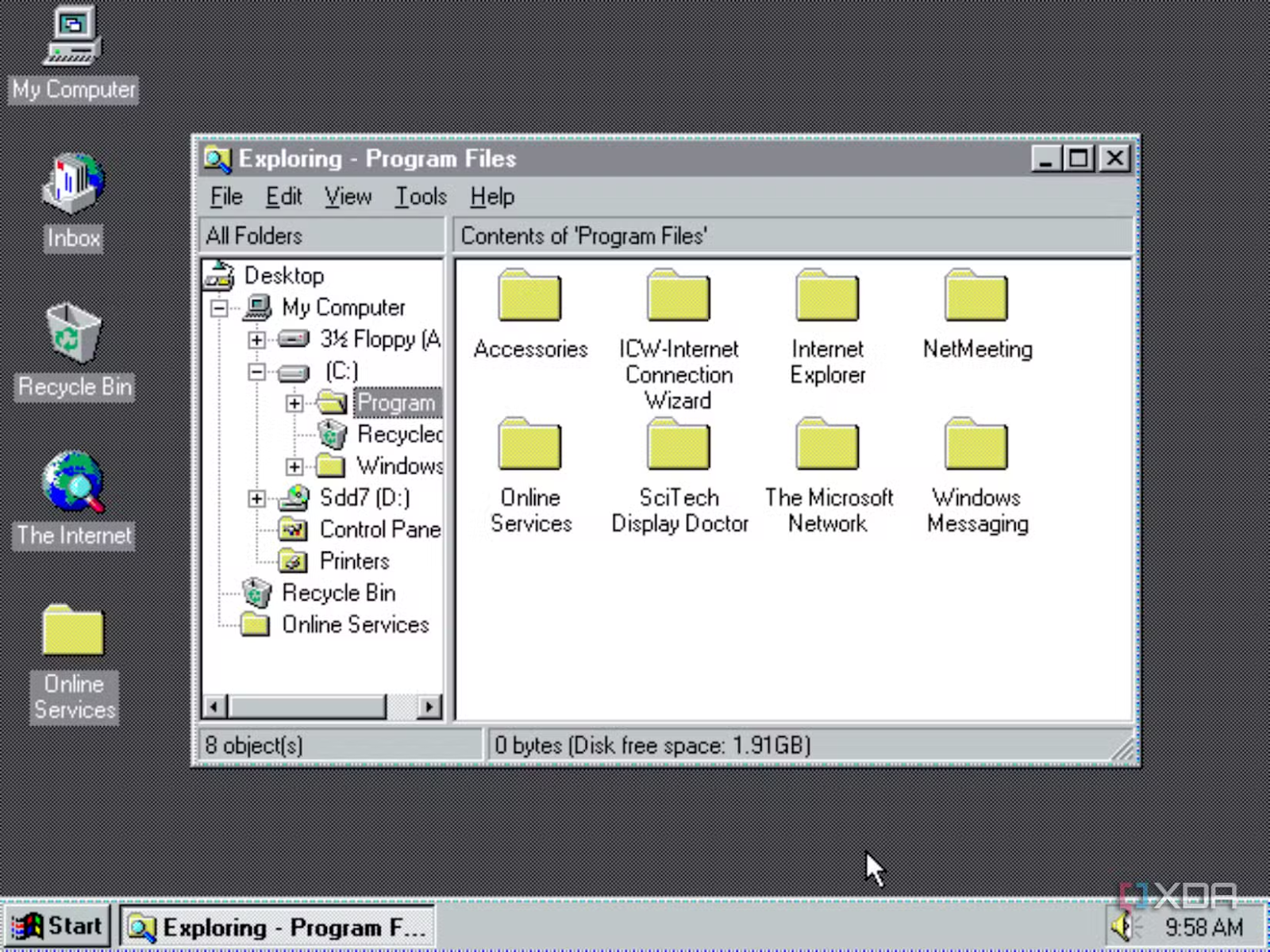
Before the registry was created, settings for a computer were all over the operating system. Program settings were stored in text files, and that caused a few issues, such as the documents being all over the place in the file system, and some programs had a lot of setting files with a lot of lines of text. When Windows 3.1 came out, so did the registry. This version is very different from what the registry is today. Windows 3.1 came out on April 3rd, 1992.

Common artifacts found in the Windows Registry:

- AmCache
- ShellBags
- Jumplists
- LNK Files
- USB Device Intrusions
- Registry Keys
- Prefetch Files
- Event Logs
- Recent Activity
- Internet Explorer History

Terms to know?
Amcache – stores details related to application executions.
Shellbags – a group of registry keys that include information about a user’s viewed folders and desktop.
Jumplists – a list of recently accessed files
LNK files – shortcut files
Registry Keys – store details about a computer’s hardware, software, and user settings.
Prefetch files – made to speed up loading time for applications.
Event logs – a record of events that happen in a computer system
References
Butler, S. (2024, October 26). The fascinating story of the Windows Registry. XDA. https://www.xda-developers.com/the-fascinating-story-of-the-windows-registry/
Deland-Han. (2025, January 15). Registry changes in x64-based versions of Windows – Windows Server. Microsoft Learn. https://learn.microsoft.com/en-us/troubleshoot/windows-server/performance/registry-changes-in-x64-based-windows
Freda, A. (2024, November 14). What is the Windows Registry and how does it work? What Is the Windows Registry and How Does It Work? https://www.avast.com/c-windows-registry
Otw. (2022, December 30). Digital Forensics, Part 5: Analyzing the Windows Registry for evidence. hackers-arise. https://www.hackers-arise.com/post/2016/10/21/digital-forensics-part-5-analyzing-the-windows-registry-for-evidence
Raman, A. (2024, November 22). Uncovering Windows Forensics Artefacts for Digital Forensics investigators. Medium. https://medium.com/@araman99/uncovering-windows-forensics-artefacts-for-digital-forensics-investigators-e0b75f01d086
Sbradley. (2019, March 13). Windows security updates that require new registry keys. CSO Online. https://www.csoonline.com/article/567017/windows-security-updates-that-require-new-registry-keys.html
Wikipedia contributors. (2025, January 2). Windows Registry. Wikipedia. https://en.wikipedia.org/wiki/Windows_Registry
Wittmeyer, G. (2010, January 1). Windows Registry Tutorial. Gammadyne Corporation. https://www.gammadyne.com/registry.htm